

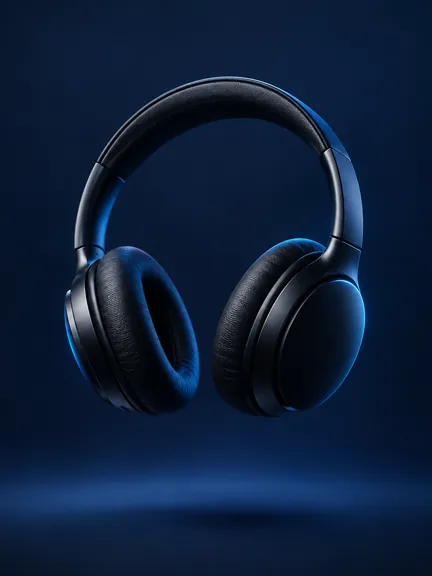


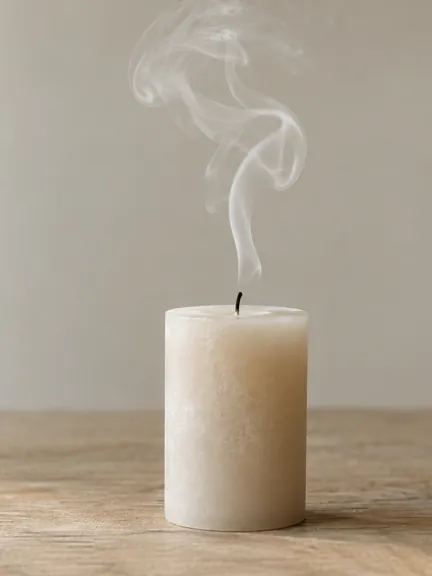
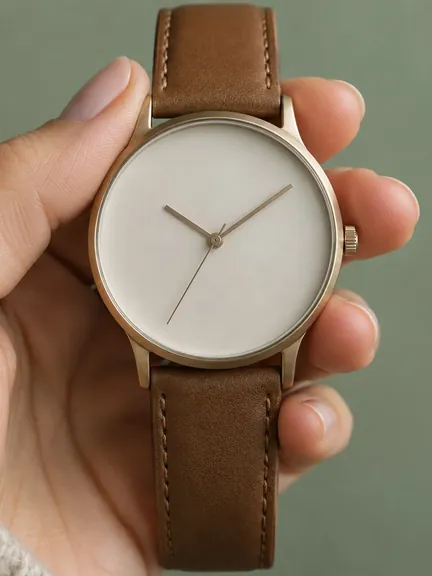

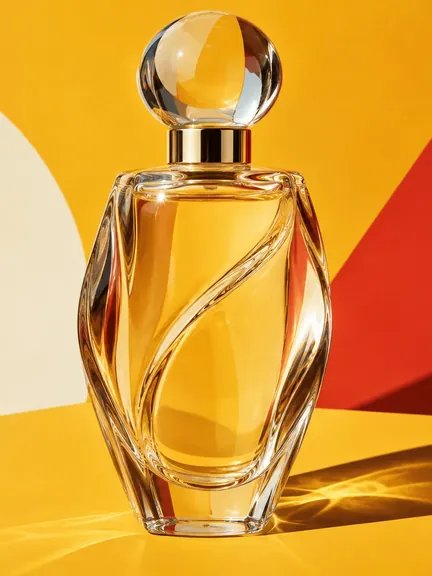
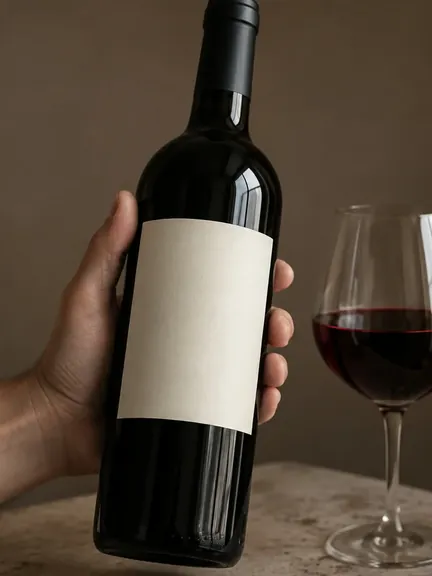
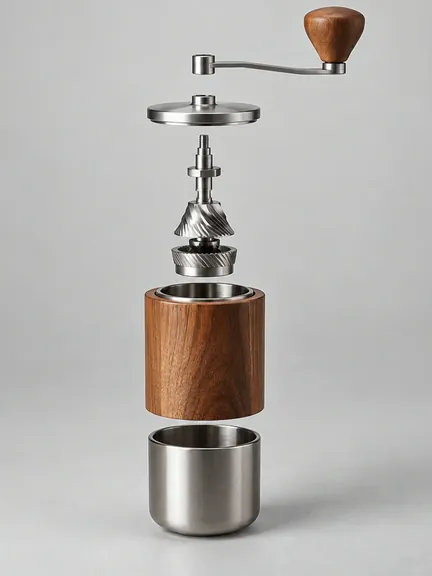
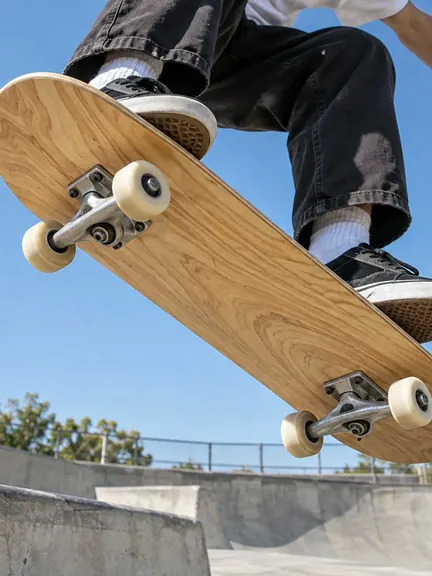
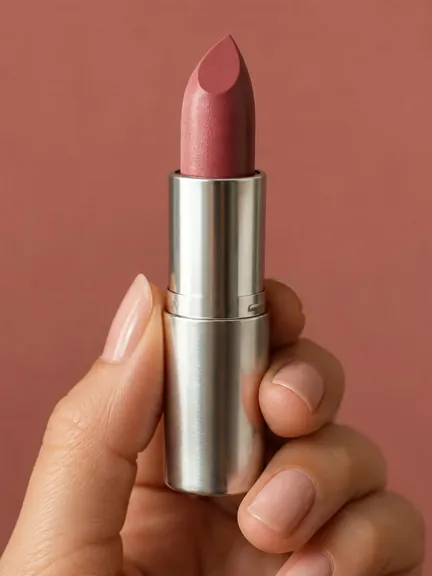




Make AI product photos
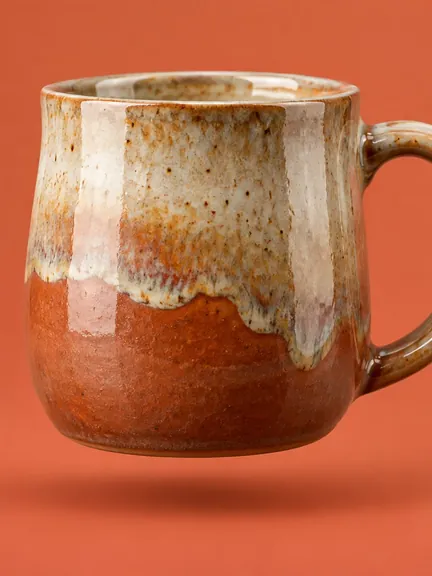
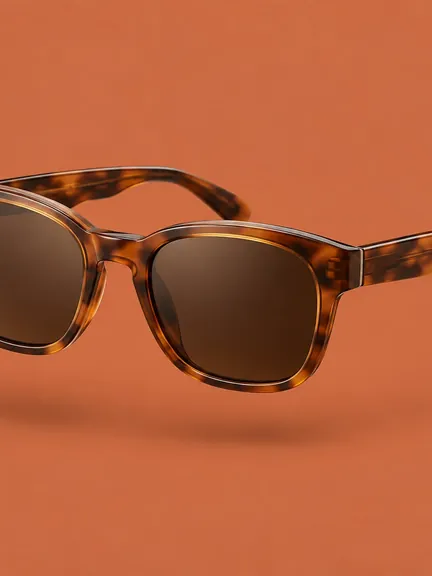
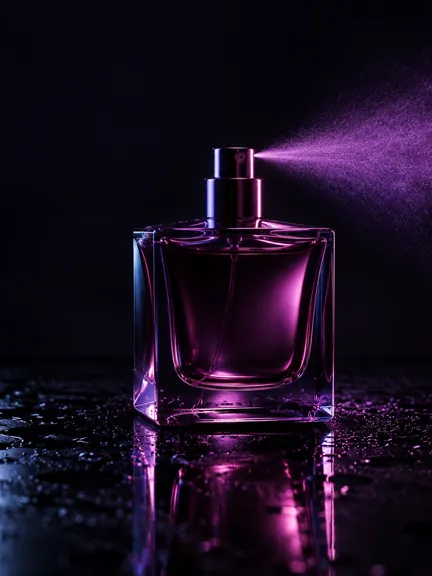
Attach one product photograph and name the settings. The maker renders a set of stills of that product — three, six, nine or ten of them — each in a setting you asked for, in the aspect the placement needs.
Questions
How many stills do I get?
Three, six, nine or ten, set before the render, each in the settings you name. They are separate renders, so a set can be re-rendered one image at a time.
What does the product photograph need to show?
The product, clearly and in full. The render keeps the product and changes what is around it: the surface, the light, the props and the setting you asked for.
Which shapes can the set be delivered in?
9:16 for stories and Reels, 1:1 for the feed, 16:9 for a landscape placement or a slide. The same set is rendered per aspect, so nothing is cropped by the platform.
How it works
Attach the product
One clear photograph of the product, in full. The render keeps the product itself and changes everything around it: the surface, the light, the props and the place.
Name the settings
A kitchen counter at noon, a studio sweep, a marble bathroom, a picnic blanket. Each setting becomes one still in the set, so the brief is a list rather than a single scene.
Set the size and the aspect
Three, six, nine or ten stills, and 9:16, 1:1 or 16:9. The set is rendered per aspect rather than cropped afterwards, so an upright still and a square one are both composed for their shape.
Sort them in the library
The set lands in the library under the brand, where a still that did not work can be re-rendered on its own instead of the whole set.
What the brief carries
The brief is three sentences: what the product is, who it is for and what the offer says. This maker also reads:
- The brief, in your own words: the textbox takes a full paragraph
- An attachment: the product photograph
- Stills: 3, 6, 9, 10
- The aspect: 16:9, 9:16, 1:1
What it is good for
- A listing page that needs more than the one photograph the product arrived with.
- A season or a range refresh, where every product needs the same look.
- A paid-social still that has to match the film made from the same brief.
A product photograph made in a studio is the limit of what a render can hold. If the product is not in the frame, no setting in the brief will put it there.
Open it
The studio does the work. Start a brief above, or open Stills and carry on with a campaign.
Open Stills in the studioStart from the front page
Other makers
Marketing collateralClone an adMake an adMake a flyerTestimonial video